About This Game
What Is Plants vs. Zombies Web Direct
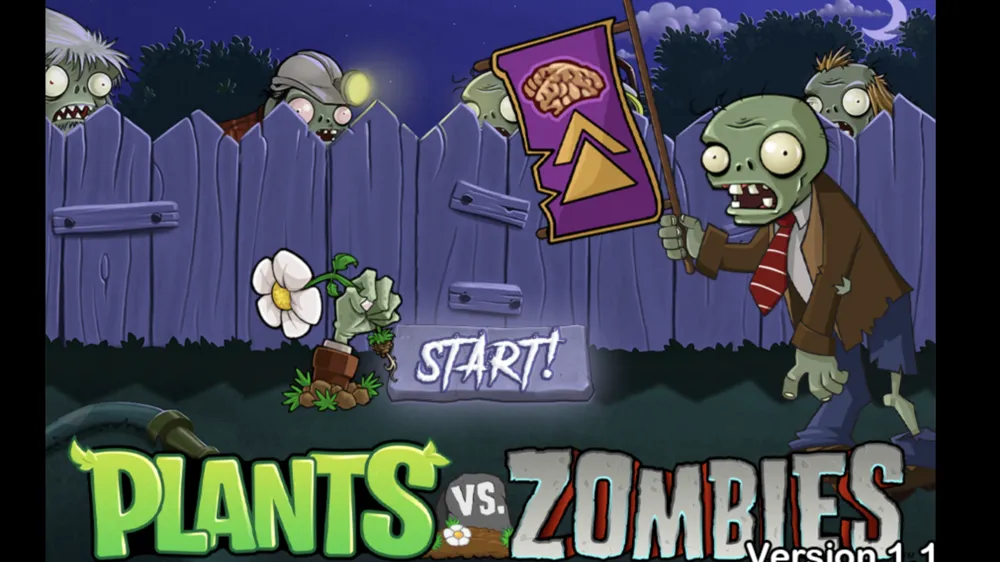
Plants vs. Zombies Web Direct brings PopCap’s iconic lane-defense strategy game straight to your web browser. Without requiring any client downloads, third-party launchers, or bloated plugins, this direct-play web edition delivers the classic campaign experience in an instant-loading, lightweight environment.
In Plants vs. Zombies Web Direct, you take on the role of a homeowner defending your front yard, backyard pool, and rooftop from persistent waves of quirky zombies. Using a diverse arsenal of light-sensitive and seed-firing flora, you must construct an impenetrable botanical grid before the undead reach your front door.
How to Play Plants vs. Zombies Web Direct
Playing Plants vs. Zombies Web Direct is intuitive and accessible via standard mouse or touch screen controls:
- Collect Sunlight: Sun drops periodically from the sky, but your primary economy comes from planting Sunflowers or Sun-shrooms. Click or tap falling or generated sun coins (25 points each) to build up your purchasing power.
- Select & Place Plants: Click on a seed packet in your top navigation bar, then click any empty tile on your 5-row or 6-row lawn grid to plant it.
- Defend Five Lanes: Zombies march in straight horizontal lanes toward your house. You must establish offensive firepower—such as Peashooters, Repeaters, and Snow Peas—in every active lane to stop them before they breach your defenses.
- Deploy Heavy Duty & Instant Defensive Units: Hold off dense zombie pushes using high-health Wall-nuts or Tall-nuts. When large clusters or dangerous zombies approach, activate explosive single-use plants like Cherry Bombs, Jalapenos, or Squashes.
- Protect the Lawn Mowers: Each lane features a single-use Lawn Mower at the far left as an emergency last line of defense. If a zombie reaches the end, the mower clears that entire lane once. If a zombie bypasses an active lane without a mower, it’s game over!
Key Features & Highlights
- Instant Browser Access: Enjoy instant play directly in any modern desktop or mobile browser with zero installation or setup hassle.
- Authentic Classic Gameplay: Complete access to iconic plants, distinct zombie variants, night modes, pool levels, and tactical challenge stages.
- Tactical Seed Selection: Custom-tailor your plant deck prior to each stage based on previewed zombie attack rosters.
- Smooth Performance & Low Latency: Optimized direct web rendering ensures fluid animations, quick load times, and crisp visuals.
- Local Progress Saving: Browser storage automatically preserves your level progression, unlocked seeds, and stage completions.
Tips & Strategies
- Double-Row Sunflower Opening: Plant two full vertical columns of Sunflowers early in daytime levels. The temporary lack of offensive units is easily managed by low-cost early defenses.
- Stall with Potato Mines: Use Potato Mines (25 sun) to eliminate the first few lone zombies. This gives your Sunflowers ample time to multiply your economy before heavy waves arrive.
- Combine Slowing and High DPS: Pair Snow Peas or Winter Melons with heavy attackers like Repeaters or Gloom-shrooms. Slowed zombies take twice as long to cross lanes, doubling your plants’ damage output.
- Plan for Special Zombies: Match your plant selection to the enemy type. Bring Cactus or Blover against Balloon Zombies, Magnet-shrooms to strip Bucketheads and Football Zombies of their metal helmets, and Grave Busters during night stages.
- Keep Emergency Explosives Ready: Always save at least 150-200 sun in bank reserves during final waves so you can instantly drop a Jalapeno or Cherry Bomb if a lane collapses.
Frequently Asked Questions (FAQ)
Q: Do I need to install any software to play Plants vs. Zombies Web Direct?
A: No installation is needed. Plants vs. Zombies Web Direct runs directly inside modern HTML5 web browsers on PC, Mac, tablets, and smartphones.
Q: How do I wake up mushrooms during daytime levels?
A: Nocturnal mushrooms (like Puff-shrooms, Scaredy-shrooms, and Fume-shrooms) sleep during daytime levels. You must plant a Coffee Bean on top of a sleeping mushroom to awaken it for daytime combat.
Q: Will my game progress save if I close the browser tab?
A: Yes, the game saves your stage progression and unlocked seed packets automatically to your browser’s local storage, provided you are not browsing in private or incognito mode.
Q: What should I do if a Gargantuar zombie appears?
A: Gargantuars are massive zombies that smash plants with instant-kill strikes. Slow them down with ice plants and hit them with two instant-kill explosives (such as a Cherry Bomb, Jalapeno, or Squash) to defeat them quickly.