Article
Minecraft Locator Bar Color Checker: How Your Color Works
Your Minecraft locator bar color comes from your UUID. See how it is calculated, check your exact color, browse all 16 locator bar colors, and change it with /waypoint.
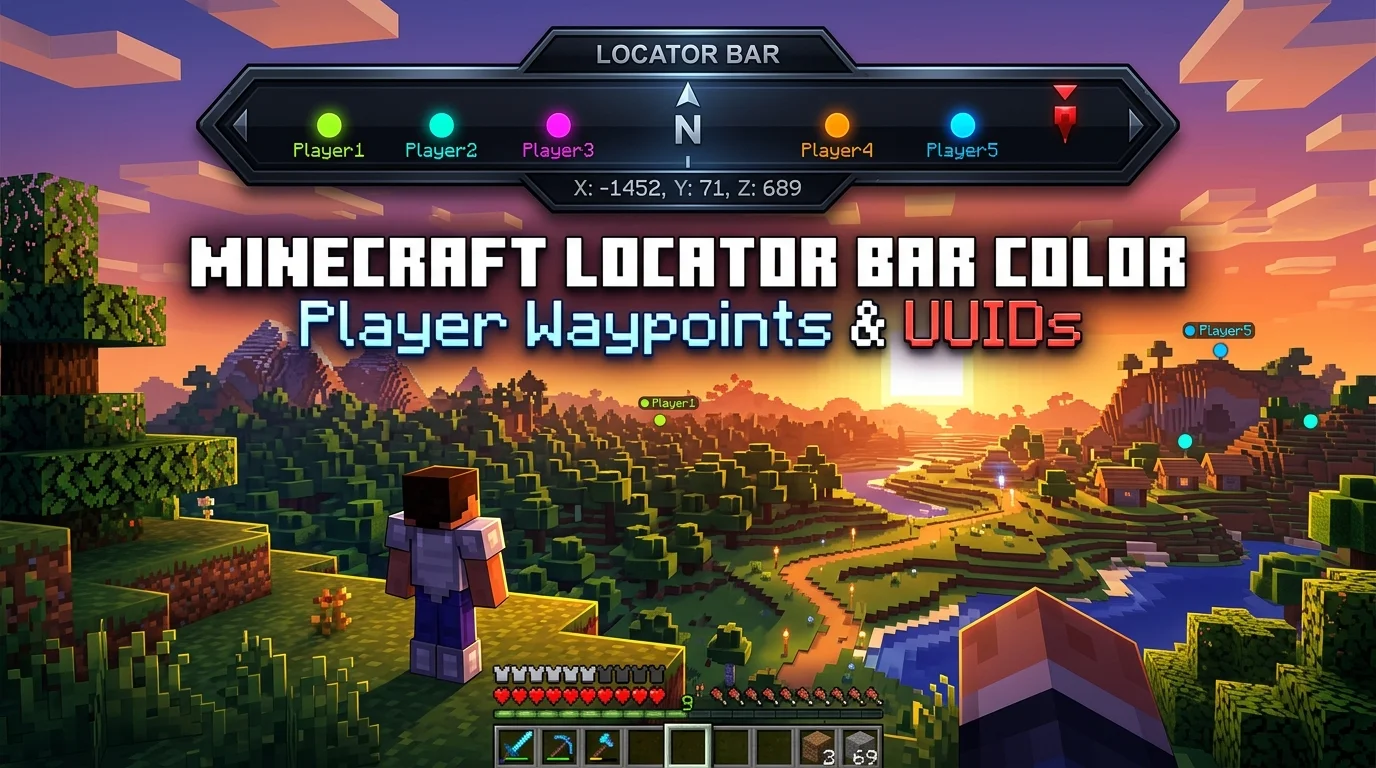
Your Minecraft locator bar color is not random. In Java Edition, the client derives your marker color from your account UUID, so the same UUID always produces the same dot — on every server, in every world, forever. Bedrock Edition works differently: it assigns a random color each session.
Latest research check: July 26, 2026. We verified every number and command on this page against the official Minecraft Wiki Locator Bar article and the Wiki’s /waypoint command reference, and cross-checked the color math against working implementations at Locator Bar Color and Laby.
Want your exact color right now? Use the free Minecraft Locator Bar Color Checker. Paste your UUID — or just your username if you play on an offline/LAN server — and it returns your exact hex and RGB values. It runs entirely in your browser; nothing is uploaded.
What Is the Locator Bar in Minecraft?
The locator bar is a HUD strip that shows where other players are relative to where you are looking. It replaces the experience bar most of the time, and temporarily steps aside when you gain XP or open an anvil or enchanting table (it stays hidden for 100 ticks afterward).
It was added in:
| Edition | Version | Notes |
|---|---|---|
| Java | 1.21.6 | First appeared in snapshot 25w15a behind an experimental data pack, then enabled normally in 25w17a |
| Bedrock | 1.21.90 | First appeared in Preview 1.21.80.20, released without the experimental toggle in Preview 1.21.90.23 |
Markers appear for players within 120 degrees of your camera direction. If a player is above or below your camera pitch, the marker gains a small vertical pointer so you know to look up or down.
How Your Locator Bar Color Is Decided
Three things can set a marker’s color in Java Edition. They apply in this priority order:
- An explicit
/waypointcolor — set by an operator, beats everything else. - A scoreboard team color — if you are on a team with a color, it overrides your default.
- Your UUID — the automatic fallback, and what most players actually see.
The third one is the interesting one, and it’s where the confusion usually starts.
The UUID color math
Minecraft does not store a color for you anywhere. It computes one from your UUID every time, using this sequence:
- Take your UUID and run Java’s standard
UUID.hashCode()on it. That produces a single 32-bit integer. - Read the low 24 bits of that integer as three bytes: red, green, and blue.
- Hand that raw RGB value to the renderer, which keeps the hue and saturation but normalizes the brightness to roughly 90% before drawing the marker.
That last step matters more than it sounds. Without it, a UUID whose hash happens to land near zero would render as a nearly black dot that nobody could see against the HUD. Normalizing brightness means dark raw colors get pushed brighter and very bright ones get nudged down, so every marker stays readable. It also means the raw hex from step 2 is not the color you see on screen — this is why some UUID-to-color calculators disagree with the game.
Because a Mojang/Microsoft account UUID never changes, your Java locator bar color is permanent. Changing your username does not change it. Joining a different server does not change it. Reinstalling does not change it.
How to Find Your Minecraft UUID
You need your UUID to look up your color. Which method you use depends on what kind of account you have.
If you own the game (premium account):
- Use the locator bar color checker in username mode, or any Minecraft UUID lookup service such as NameMC.
- In game, run
/data get entity @s UUID, which prints your UUID as an integer array. - Query Mojang’s public API directly at
https://api.mojang.com/users/profiles/minecraft/<username>.
Your premium UUID is tied to the account itself, not the name, so it survives every username change you ever make.
If you play offline, on LAN, or on a cracked server:
There is no Mojang account behind you, so the server generates a UUID from your name instead. It takes the string OfflinePlayer:<yourname> and hashes it into a version 3 UUID. The practical consequence: change your username on an offline server and you get a completely new UUID, and therefore a completely new locator bar color. The checker’s offline username mode reproduces exactly this calculation, so you can preview the color a name will produce before you commit to it.
All 16 Locator Bar Colors
These are the 16 named colors accepted by /waypoint modify ... color — the same set used by /team modify ... color and chat formatting codes. They are not the dye colors, so there is no orange, cyan, or brown here.
| Name | Hex | Name | Hex |
|---|---|---|---|
black | #000000 | dark_gray | #555555 |
dark_blue | #0000AA | blue | #5555FF |
dark_green | #00AA00 | green | #55FF55 |
dark_aqua | #00AAAA | aqua | #55FFFF |
dark_red | #AA0000 | red | #FF5555 |
dark_purple | #AA00AA | light_purple | #FF55FF |
gold | #FFAA00 | yellow | #FFFF55 |
gray | #AAAAAA | white | #FFFFFF |
If none of these work for you, /waypoint also accepts arbitrary hex values, covered below.
How to Change Your Locator Bar Color
There is no setting in the options menu for this. You cannot change your own color as a normal player — every method requires either operator permissions or a server admin willing to run a command for you.
Method 1: the /waypoint command
/waypoint requires permission level 2 and cheats enabled. The syntax:
/waypoint modify <target> color <named_color>
/waypoint modify <target> color hex <RRGGBB>
/waypoint modify <target> color reset
/waypoint modify <target> style set <style>
/waypoint modify <target> style reset
/waypoint list
<target> is a player name, a UUID, or a target selector that resolves to exactly one waypoint-transmitting entity.
Some worked examples:
/waypoint modify @s color red
/waypoint modify Steve color hex 00E5B8
/waypoint modify @s color reset
Note that the hex form takes six digits with no # prefix. color reset removes the manual override and drops you back to your automatic UUID color.
Method 2: team colors
If you do not want to manage per-player waypoints, put players on colored scoreboard teams instead. The team color flows through to the locator bar automatically:
/team add red_team
/team modify red_team color red
/team join red_team Steve
This is usually the better option for PvP servers and minigames, because the colors your players see on the locator bar then match their team colors in chat and on nameplates.
Method 3: on an offline server, change your name
This is a blunt instrument, but it works: on an offline/cracked server your UUID is derived from your username, so a different name gives you a different color. Preview candidate names in the checker’s offline mode until you find a color you like.
Reading the Locator Bar: Shapes and Distance
The marker’s shape tells you roughly how far away a player is. It shrinks and rounds off as they get further out:
| Distance | Marker shape |
|---|---|
| 0–179 blocks | Square |
| 179–230 blocks | Circle |
| 230–281 blocks | Small square |
| 281+ blocks | Small circle |
Combined with the color, this gives you a surprising amount of information at a glance: who it is, which direction they are in, roughly how far, and whether they are above or below you.
How to Hide From the Locator Bar
You are not stuck broadcasting your position. Any of these hides your marker from other players:
- Sneaking
- Wearing a mob head or a carved pumpkin
- Having the Invisibility effect
- Being in Spectator mode (you remain visible to other spectators)
Server operators have more control. In Java Edition, two entity attributes govern the range:
waypoint_transmit_range— how far away this entity’s marker can be picked up.waypoint_receive_range— how far away this entity can pick up other markers.
Only living entities can transmit waypoints, which includes players, mobs, and armor stands.
How to Turn the Locator Bar Off
- Java Edition:
/gamerule locator_bar falsedisables it for the world. - Bedrock Edition: the Player waypoints setting, which is either Everyone or Off.
Java vs Bedrock: Why Your Color Keeps Changing
This is the single most common source of confusion, so it deserves to be spelled out:
| Java Edition | Bedrock Edition | |
|---|---|---|
| Color source | Derived from your UUID | Randomly assigned |
| Stability | Permanent, identical everywhere | New color every session |
| Can an operator override it? | Yes, /waypoint or team color | No /waypoint command |
| Toggle | locator_bar game rule | ”Player waypoints” setting |
If you are on Bedrock and your color changed since yesterday, nothing is broken — that is the intended behavior. Only Java Edition colors are stable and predictable, and only Java colors can be looked up from a UUID.
Notes for Server Admins
- Two players can get very similar colors. UUID hashing has no collision avoidance, so on a busy server you will eventually get two nearly identical markers. Teams are the fix.
- Check colors before you assign teams. Run your regulars through the color checker and assign team colors that contrast with the ones your players already have.
- Brightness normalization limits your palette. Because the renderer pins brightness, very dark hex values will not stay very dark on screen. Design around mid-to-high brightness colors.
/waypointoverrides survive team changes. An explicit waypoint color outranks the team color, so if a player’s color looks “stuck,” check for a leftover/waypoint modifybefore debugging your team setup.
FAQ
Is my Minecraft locator bar color permanent?
On Java Edition, yes. It is computed from your account UUID, which never changes, so it is the same on every server and survives username changes and reinstalls. On Bedrock Edition it is random and changes every session.
Does changing my Minecraft username change my locator bar color?
Not on a premium account — your UUID is tied to the account, not the name. On an offline, LAN, or cracked server it does, because the server generates your UUID from OfflinePlayer:<name>.
Can I change my own locator bar color as a normal player?
No. Changing it requires the /waypoint command (permission level 2 with cheats enabled) or a scoreboard team color, both of which need operator access. There is no client-side option for it.
Why does the checker’s hex look different from the color I see in game?
Because the client normalizes the marker’s brightness before drawing it. The raw value straight out of the UUID hash is not the on-screen color. A good checker applies that shading step too, which is why results can differ between tools.
What version added the locator bar?
Java Edition 1.21.6 (experimental in snapshot 25w15a, normal in 25w17a) and Bedrock Edition 1.21.90 (experimental in Preview 1.21.80.20).
Can I use any hex color for a waypoint?
Yes. /waypoint modify <target> color hex RRGGBB accepts any six-digit hex value with no #. Very dark values will still be brightened by the renderer, though.
How do I stop other players seeing me on the locator bar?
Sneak, wear a mob head or carved pumpkin, drink an Invisibility potion, or switch to Spectator mode. Operators can also limit visibility with the waypoint_transmit_range attribute or turn the bar off with /gamerule locator_bar false.
Do mobs show up on the locator bar?
Only living entities can transmit waypoints, and by default the bar shows other players. Operators can make other living entities — mobs, armor stands — transmit by adjusting their waypoint_transmit_range attribute.
Check Your Color
The fastest way to get your exact color is the Minecraft Locator Bar Color Checker. It handles both premium UUIDs and offline usernames, shows the normalized hex and RGB values with a live preview, and lists all 16 named colors for reference. No login, no Mojang API call, no data leaving your browser.