Quick, Draw!
Play Quick, Draw! free in your browser. Draw a doodle in 20 seconds and watch Google's AI try to guess it in this viral casual game.
About This Game
What Is Quick, Draw!
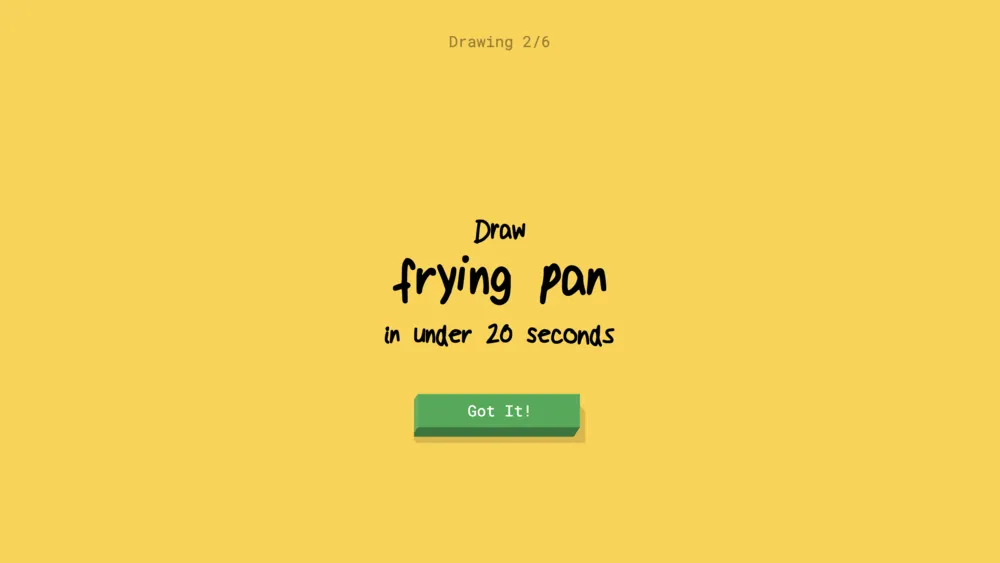
Quick, Draw! is an AI-powered doodling game developed by Google. The premise is wonderfully simple: the game gives you a prompt — something like "cat," "rainbow," or "guitar" — and you have exactly 20 seconds to sketch it. As your pencil moves, a neural network analyzes your drawing in real time and calls out its best guesses. Sometimes it figures you out in three strokes; other times it hilariously fails to recognize a perfectly reasonable drawing.
Quick, Draw! is not just a fun game; it is also a living demonstration of how machine learning interprets human creativity. Every doodle you submit in Quick, Draw! contributes to one of the largest drawing datasets in the world, used by researchers to improve AI understanding of visual concepts.
How to Play Quick, Draw!
In Quick, Draw!, a new prompt appears at the top of the screen. You have six rounds per game. Pick up your mouse or stylus, start drawing, and watch the AI's guesses update live below your canvas. The AI wins if it correctly identifies your drawing within the 20-second window; you win if it cannot.
The challenge in Quick, Draw! is balancing speed with clarity. You want to convey the essential shape of the object quickly enough for the neural network to recognize, but abstract or creative strokes often confuse the AI in delightful ways. Quick, Draw! works just as well on tablets with a stylus as on desktop with a mouse.
Why Quick, Draw! Is a Crowd Favorite
Quick, Draw! delivers laughs almost immediately. The AI's confident wrong guesses — calling your cat a "yoga pose" or your guitar a "bench" — are reliably funny. The game is an interactive showcase of AI's strengths and quirks, making it uniquely educational in a way no other casual game quite matches.
Quick, Draw! also scales beautifully for group settings. Pass the screen around to friends or family, or use it as a live demo for explaining how neural networks work. Its viral sharability on social media makes Quick, Draw! a perennial favorite whenever it gets rediscovered by a new audience.
Tips for Quick, Draw!
- Focus on the most recognizable feature of the object first — the AI recognizes shapes before detail.
- Avoid backgrounds or decorations; the AI in Quick, Draw! focuses on the subject only.
- Use smooth, confident strokes rather than tentative scribbles.
- If the AI guesses wrong in the first few seconds, pivot your drawing to emphasize a different feature.
- Playing Quick, Draw! on a touchscreen with a finger or stylus often produces cleaner results.
FAQ About Quick, Draw!
Is Quick, Draw! free to play?
Yes. Quick, Draw! is completely free, made by Google, and runs in any modern browser.
Do I need artistic skills for Quick, Draw!?
Not at all. The AI in Quick, Draw! is trained on millions of rough sketches and handles imperfect drawings well.
Can I play Quick, Draw! on mobile?
Yes. Quick, Draw! works on phones and tablets with touch controls.
Does my drawing data get used by Google?
Yes, with your permission. Quick, Draw! drawings contribute to an open dataset used in AI research.